













Send it
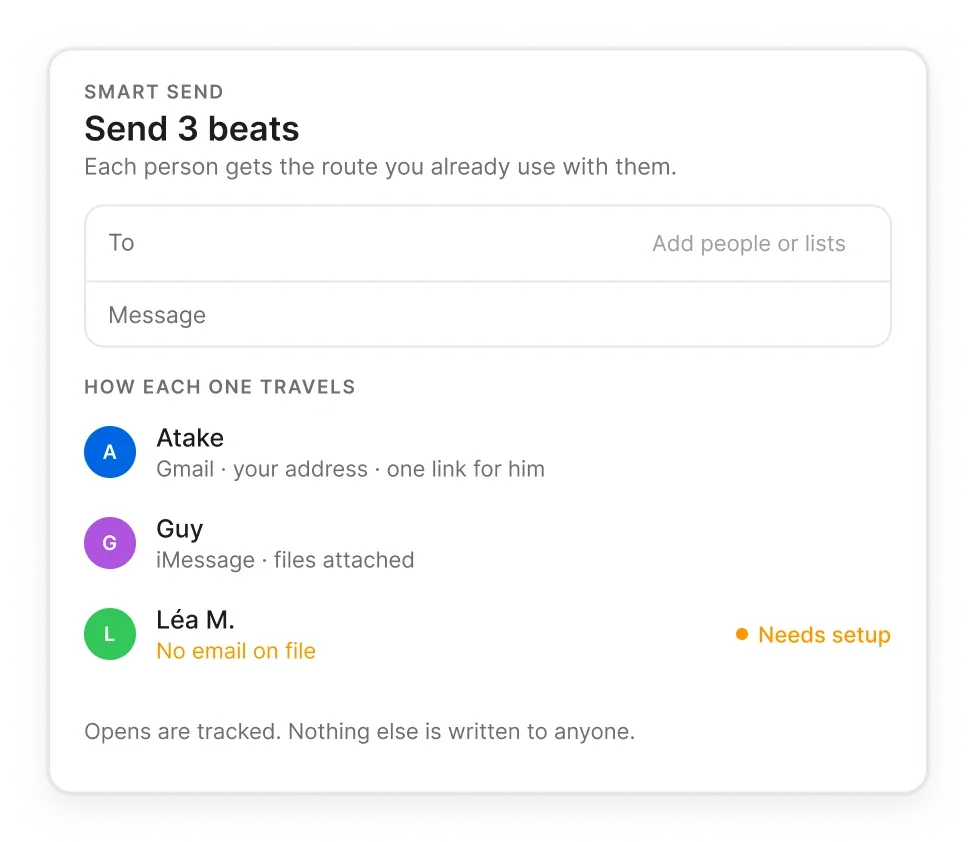
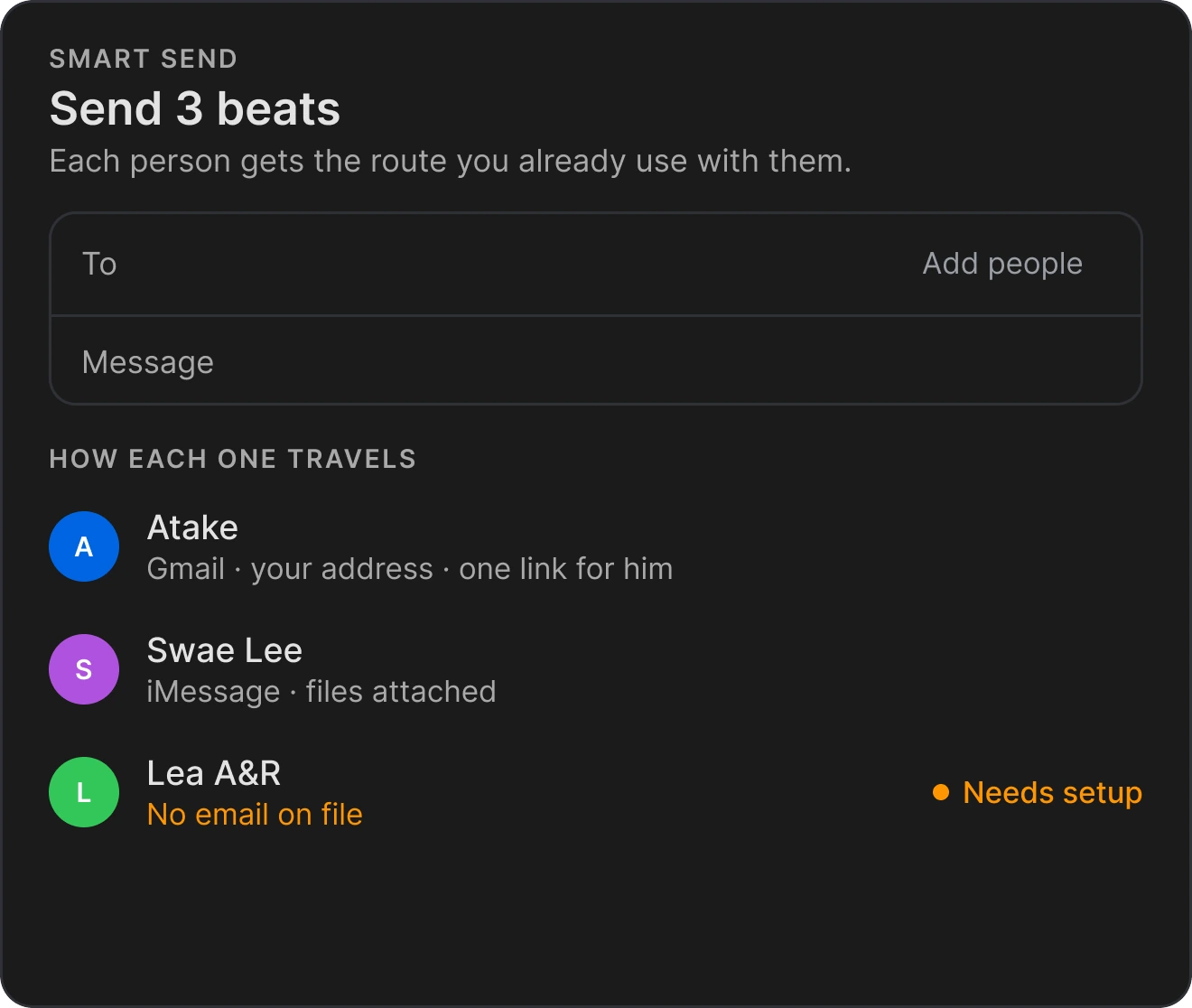
From your own Gmail or iMessage, one message per contact.
Find the beat an artist asks for, follow up with the people who opened your pack, and keep every placement on the file it came from.
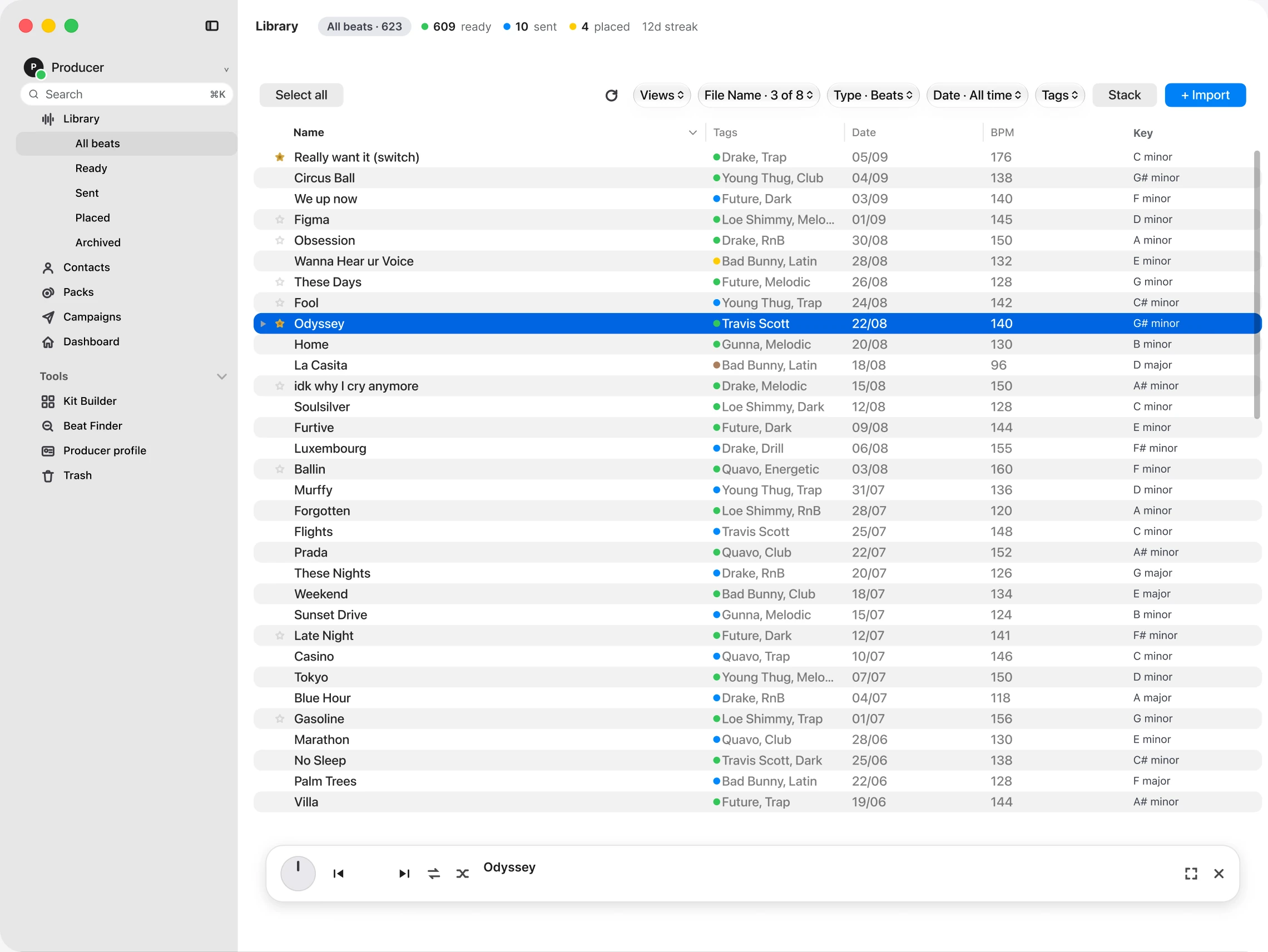
An artist wants something dark, around 140 BPM. You made the perfect one three years ago. Name forgotten, buried in seven years of folders. Type what you remember: a key, a tempo range, a year, your tags. Grind pulls up every match before the artist moves on.
Grind reads the folders you already have and shows every beat in one library, with its tempo, key and your tags. Nothing is moved or renamed. Attach a contract or split sheet once and it stays with that beat. Less time searching, more time making beats.
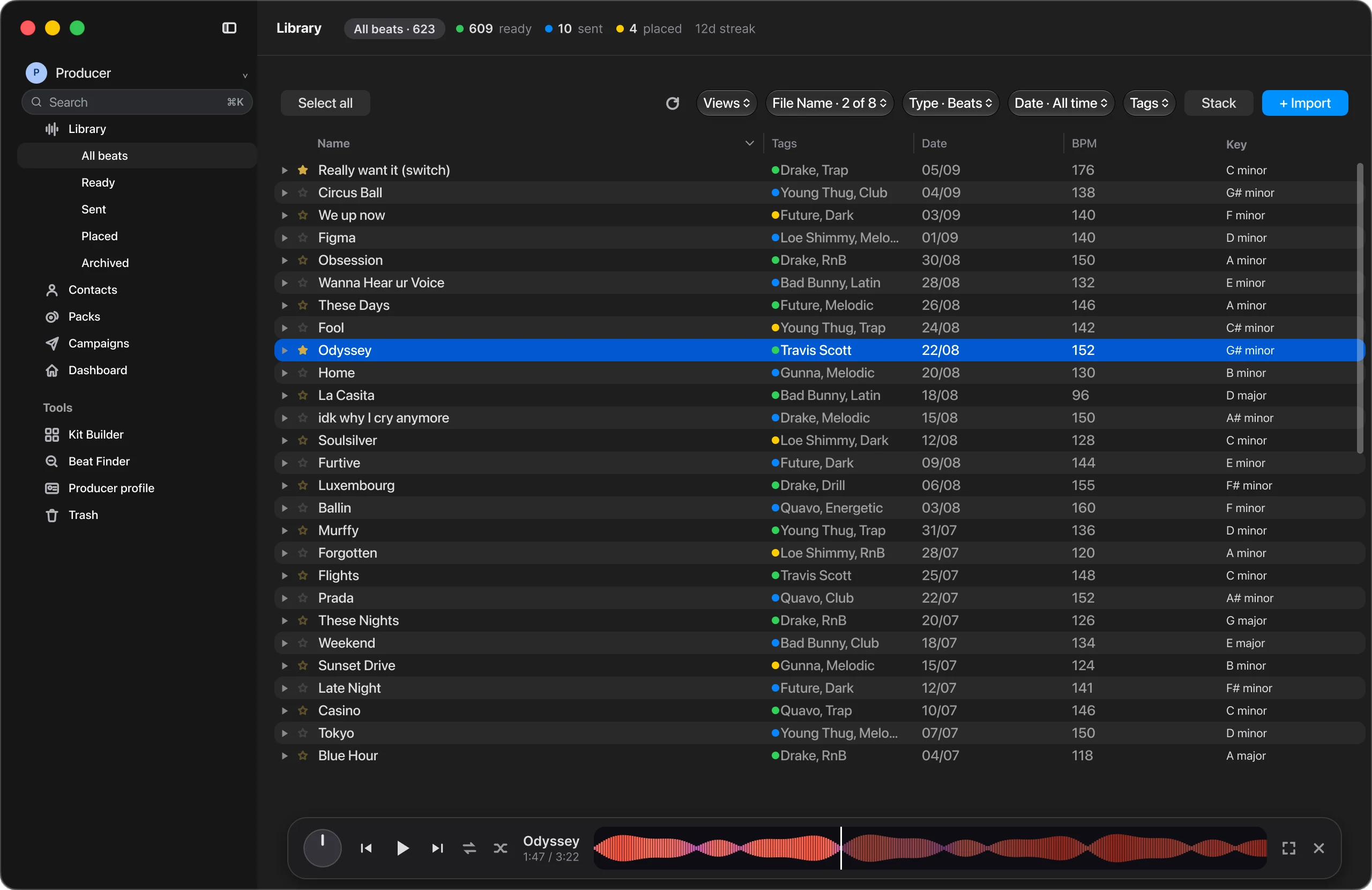
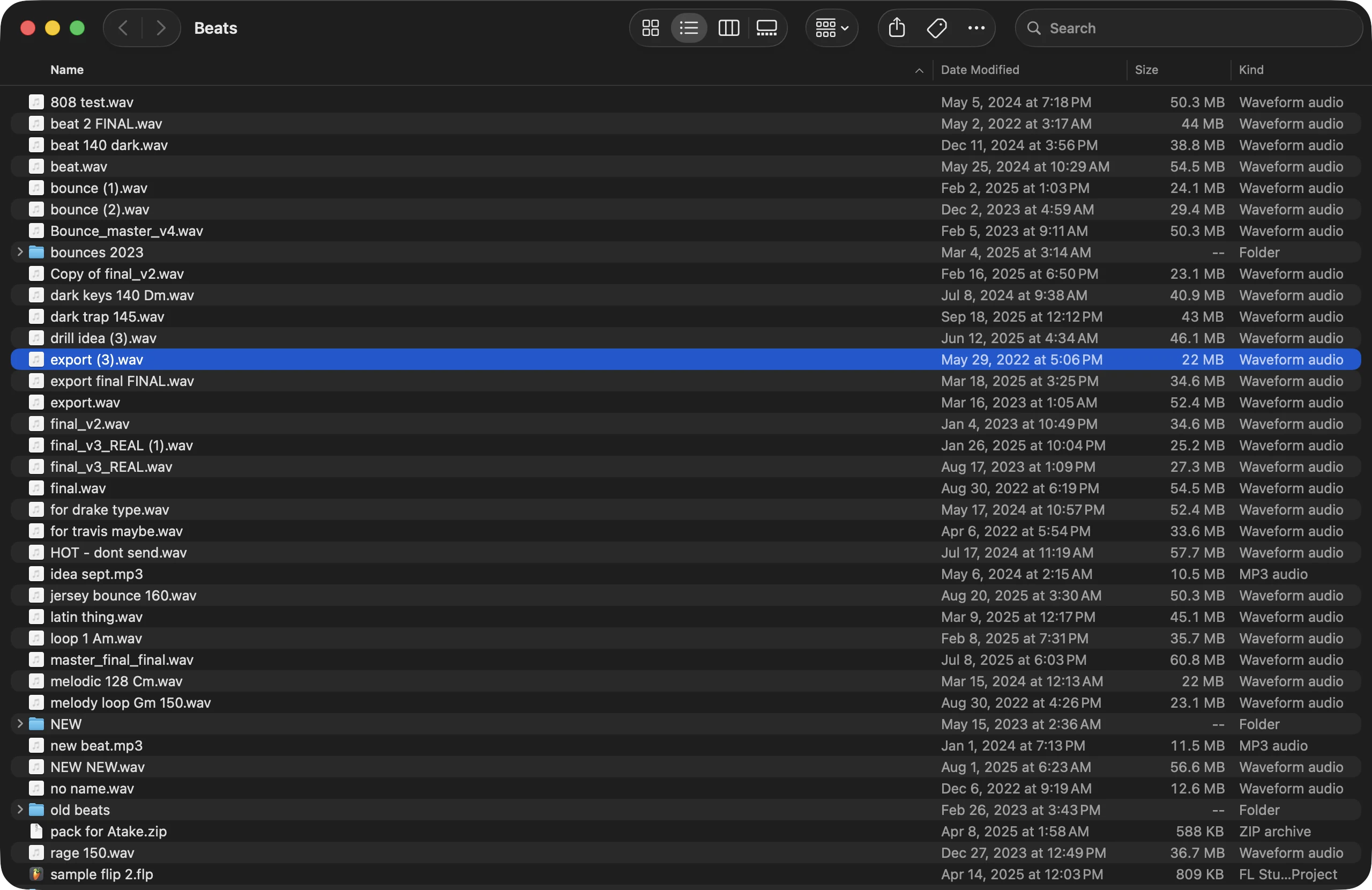
Drag to compare
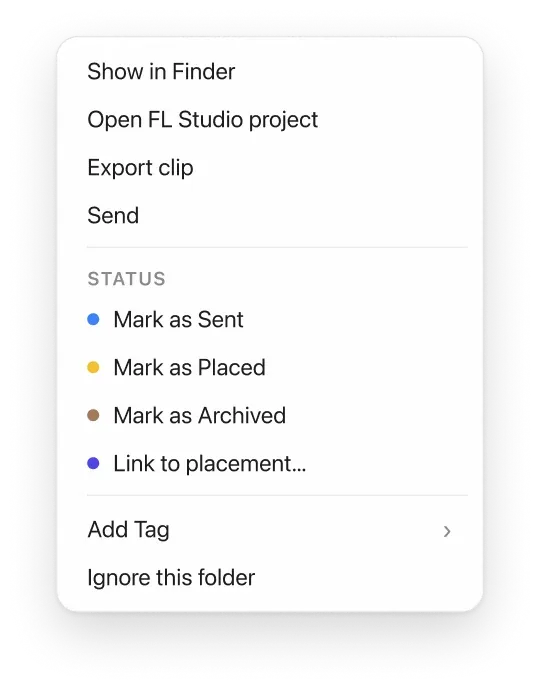
Grind remembers where each beat lives, who got it, who opened it and where it landed, so you can get back to making music.
From your own Gmail or iMessage, one message per contact.
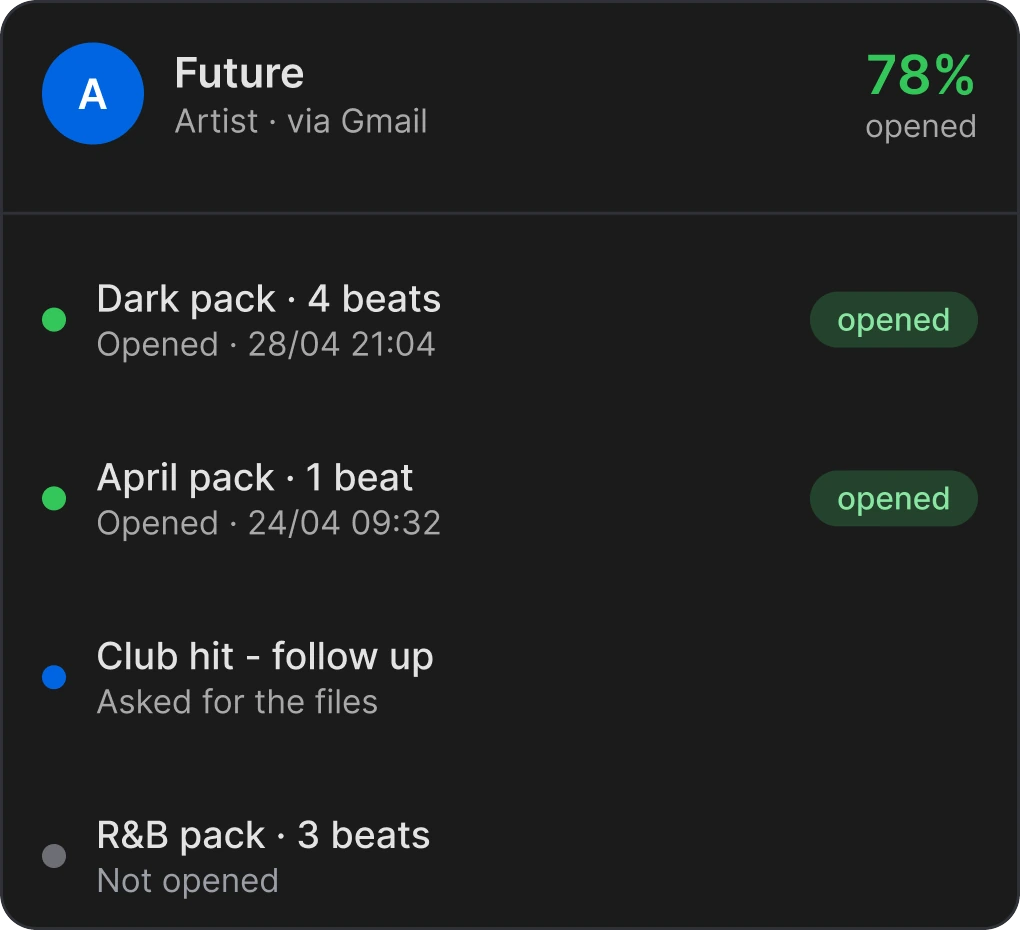
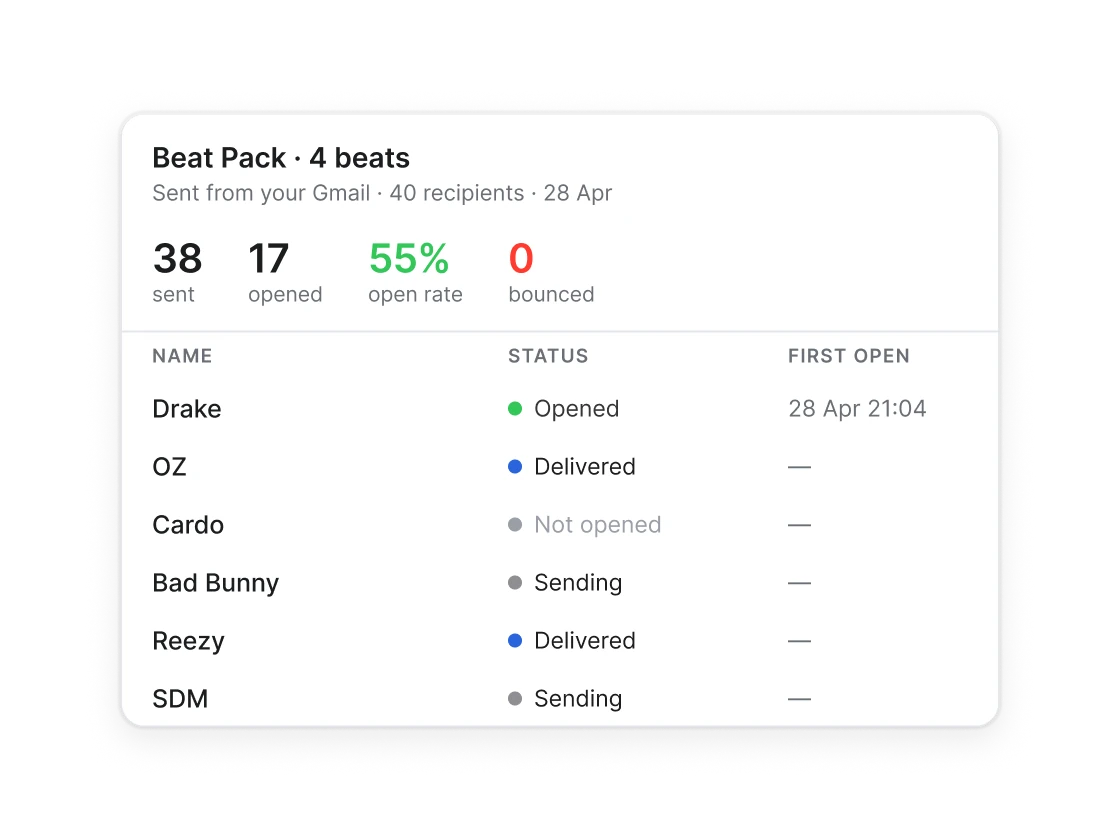
See who opened your pack. Follow up with them first.
Your catalog stays on your Mac, not in a Grind cloud. A pack leaves only when you send it, through your own accounts, and Grind never uses your music to train AI.
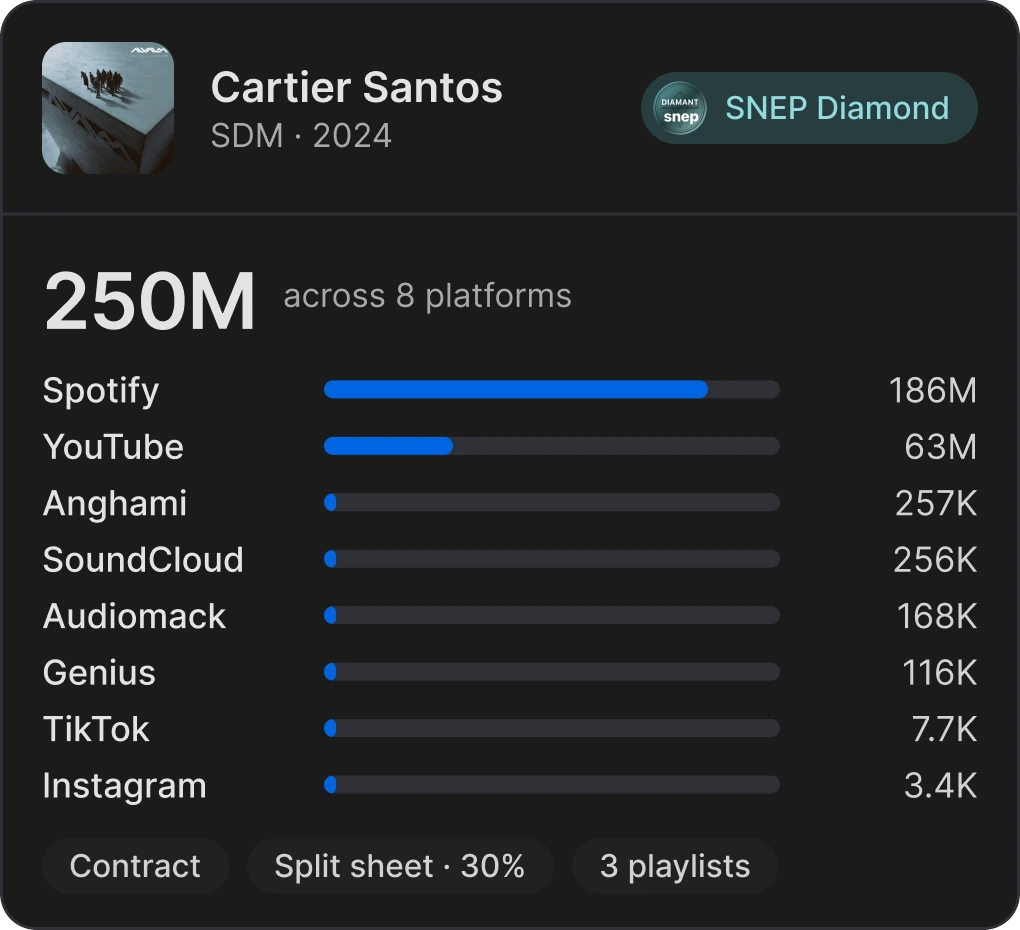
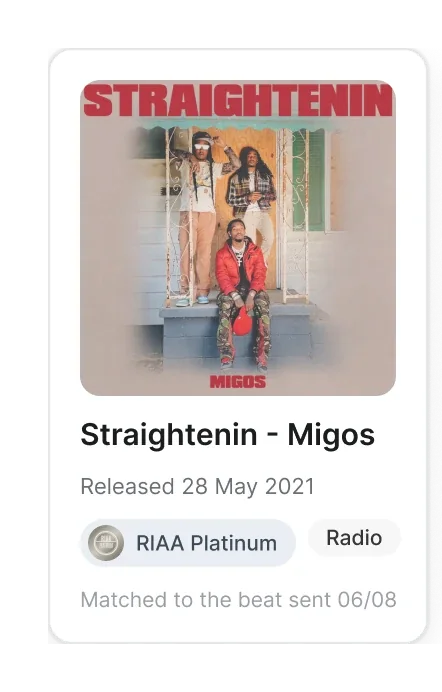
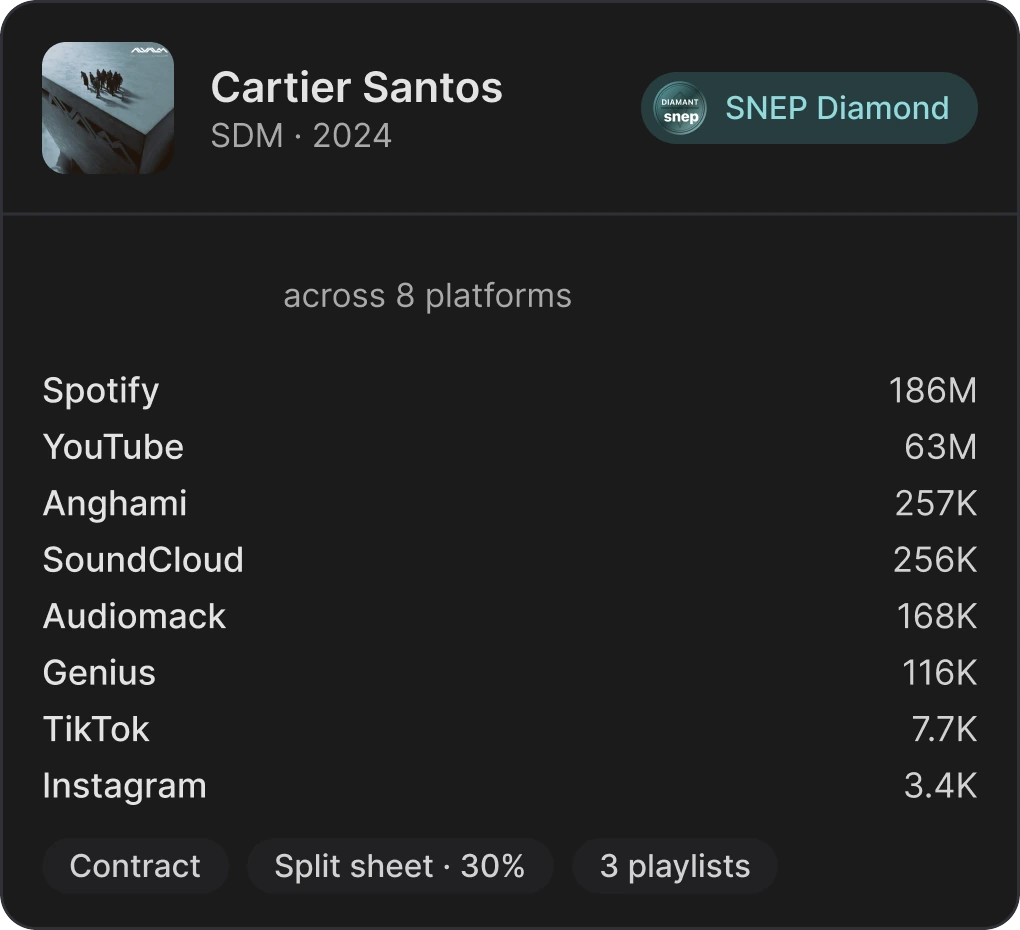
When the song drops, record it on the original beat, with its contract and splits. With Pristine, Grind finds the release under your names: you link it to the beat, and its streams follow.
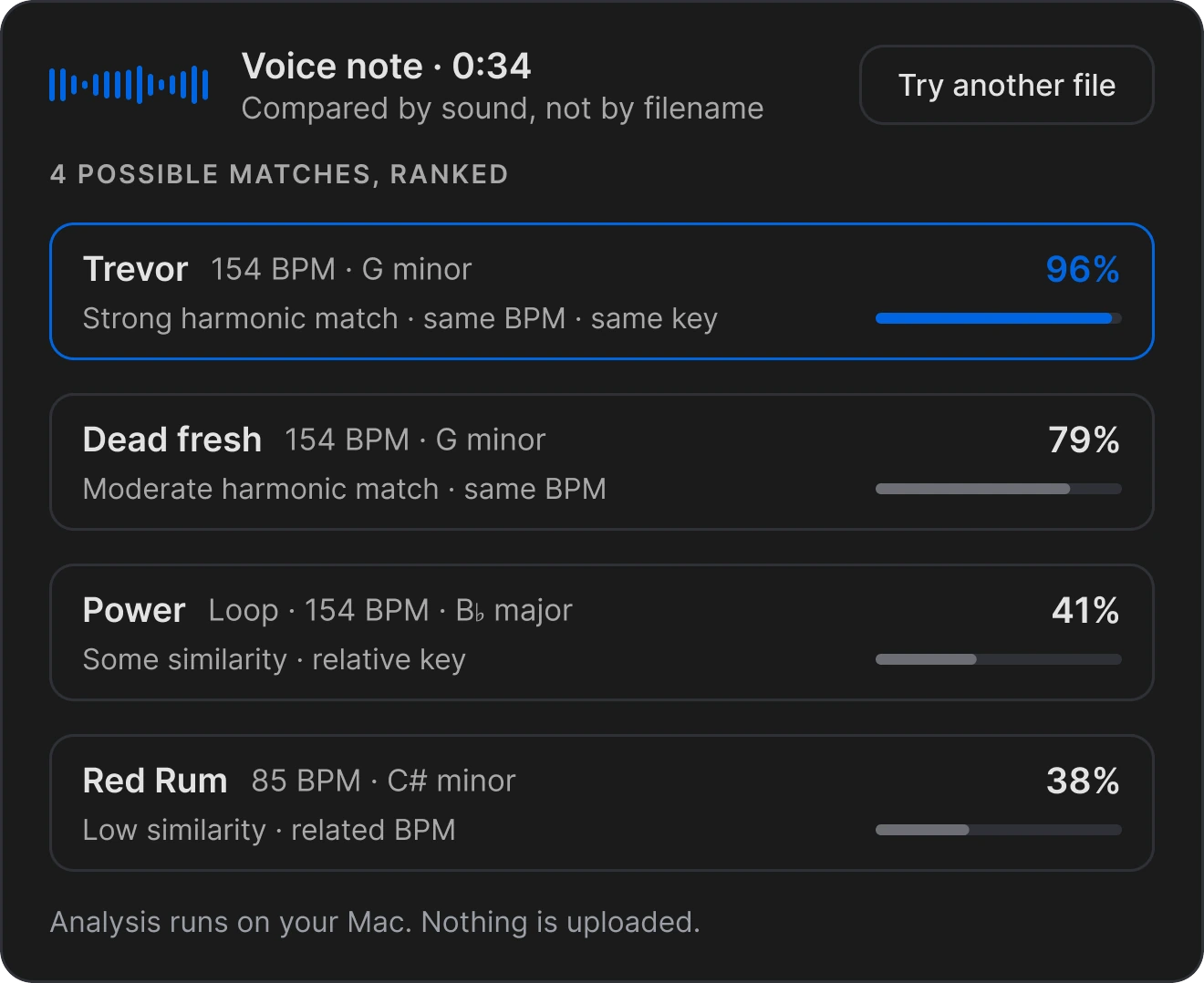
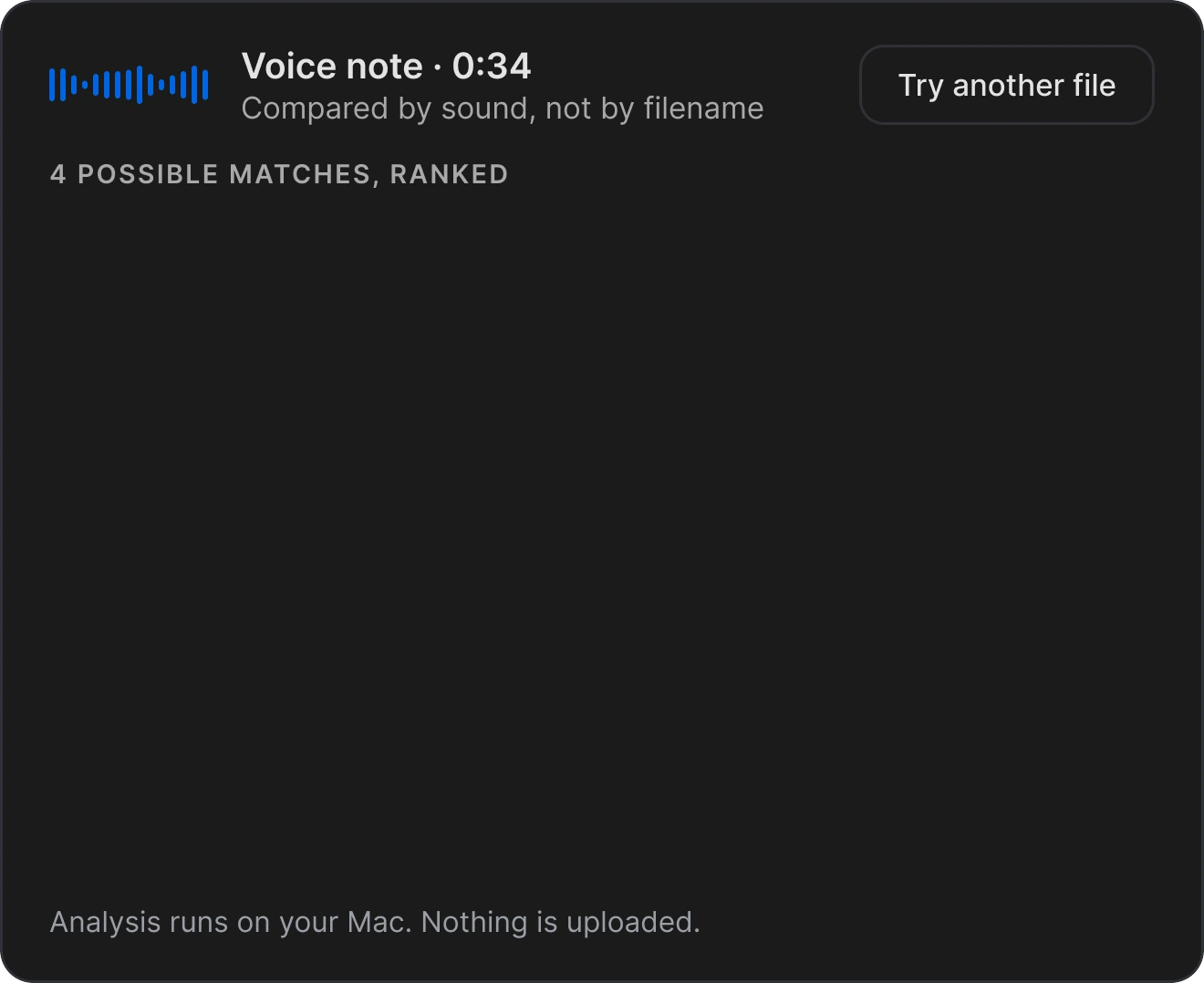
Drop in a snippet or a voice note. Grind compares the sound and ranks the matches in your library.
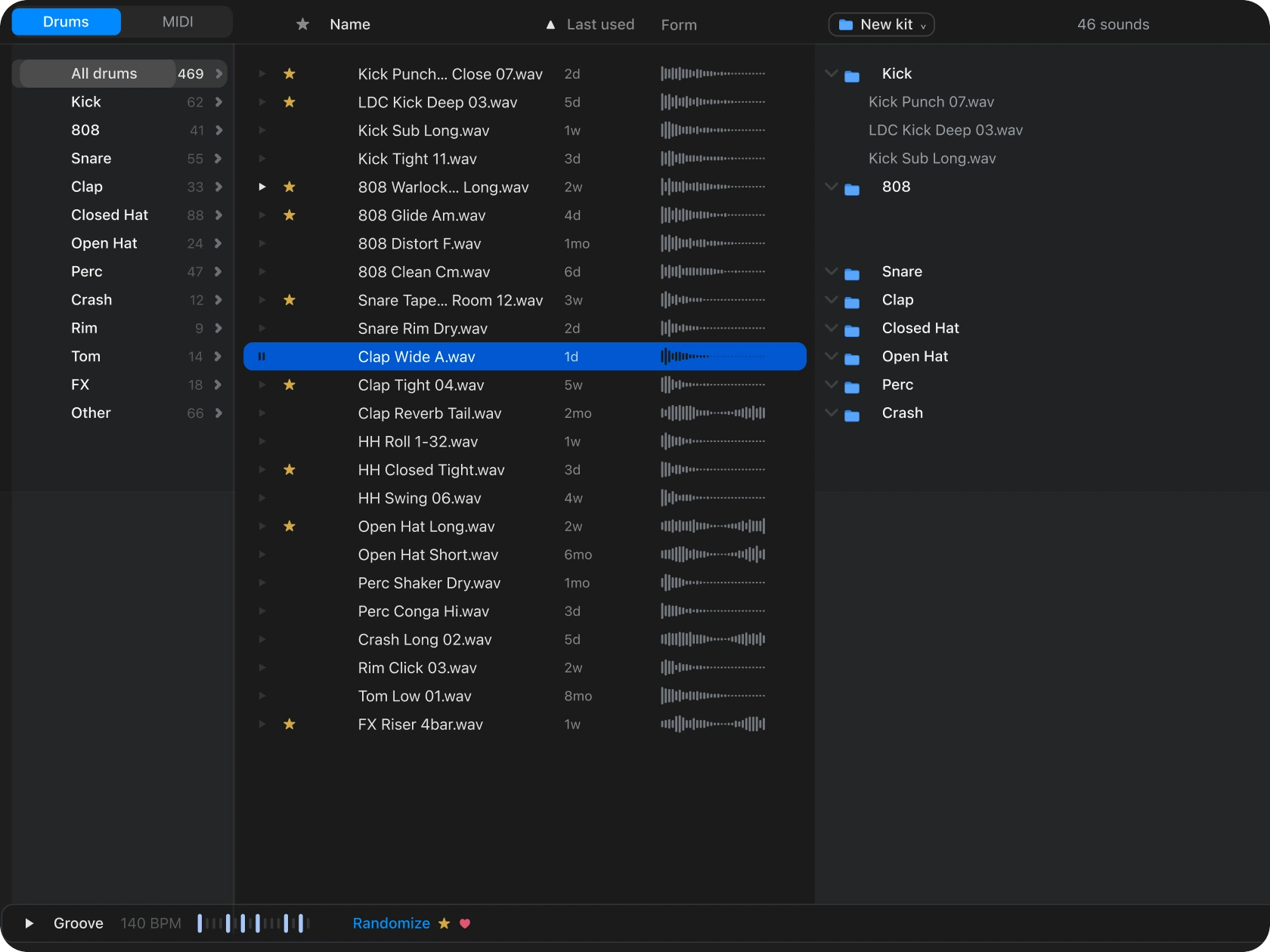






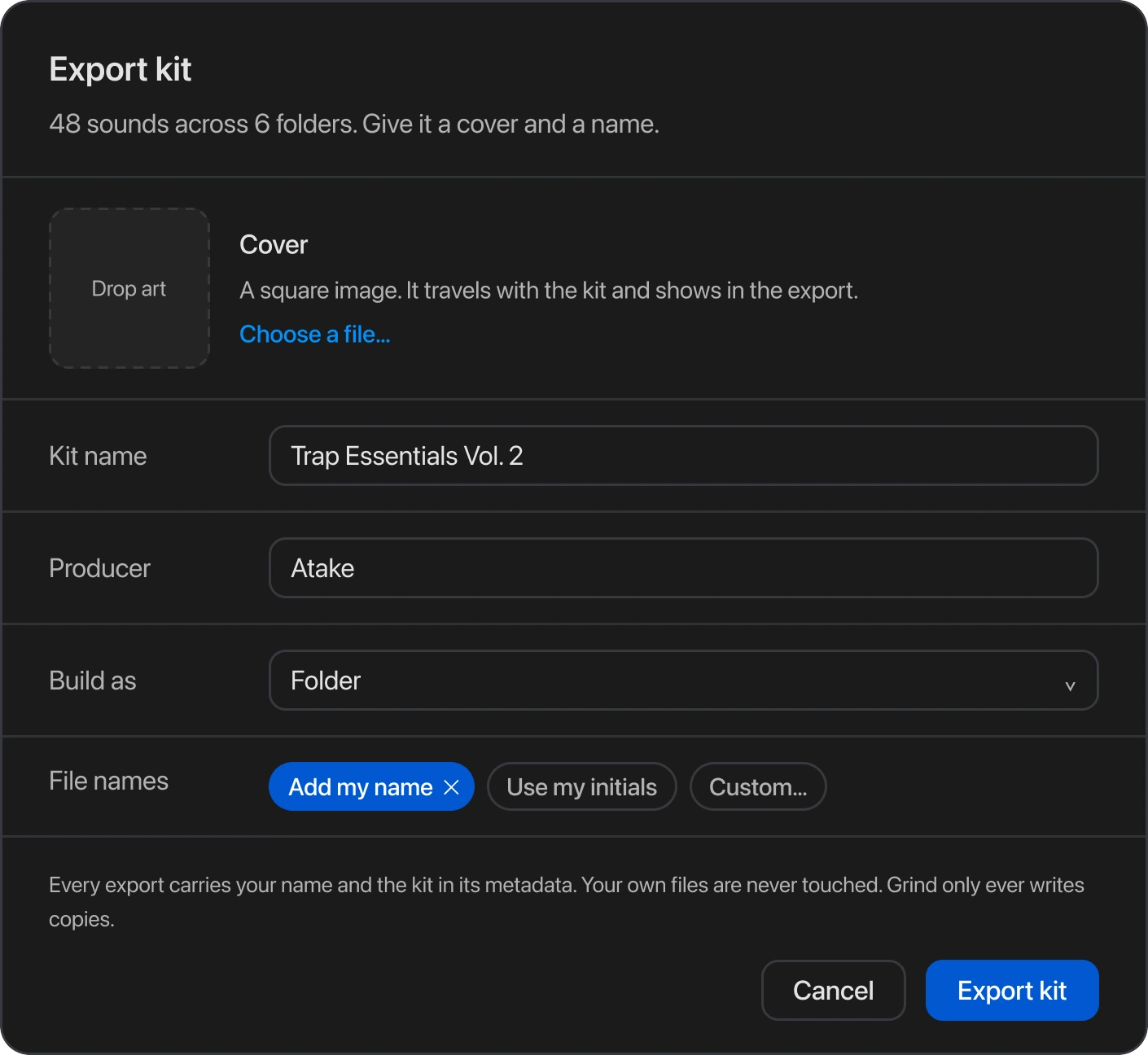
Kit Builder finds the samples in your FL Studio projects, sorts them by type, and plays a groove before anything leaves. Other DAWs are on the way.
Grind remembers every step: where the beat lives, who got it, who opened it, and where it landed.
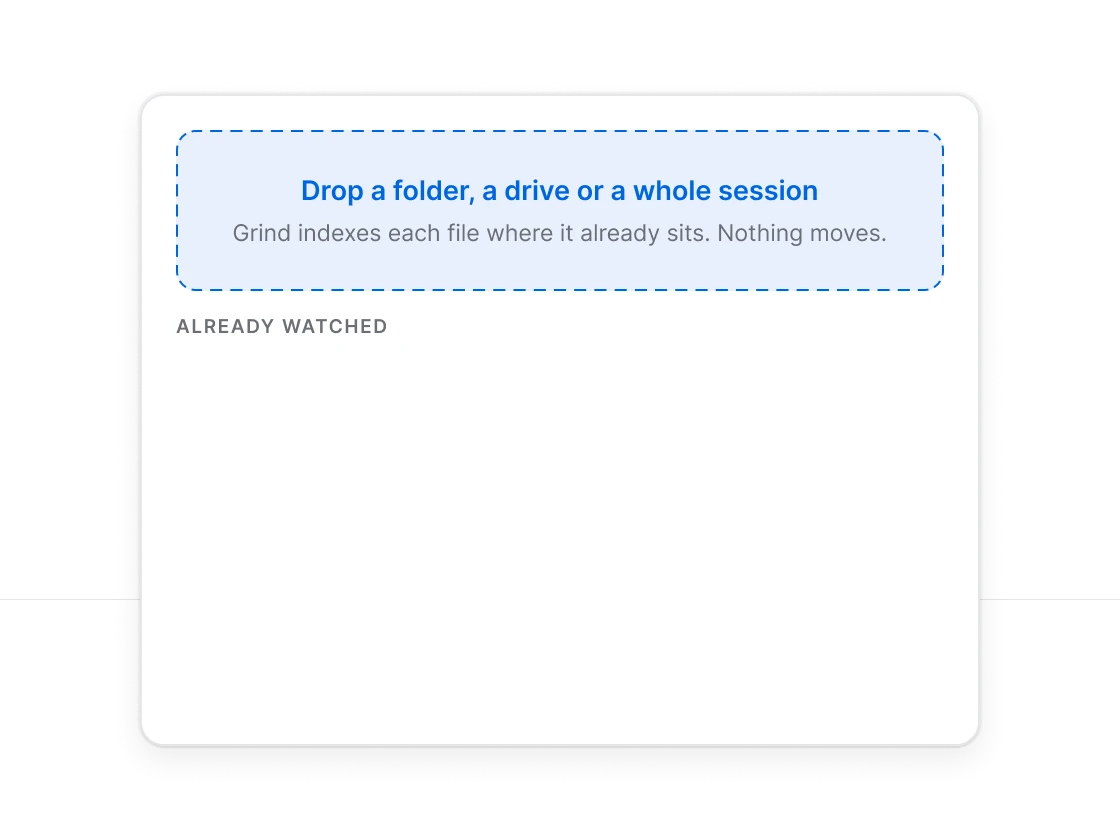
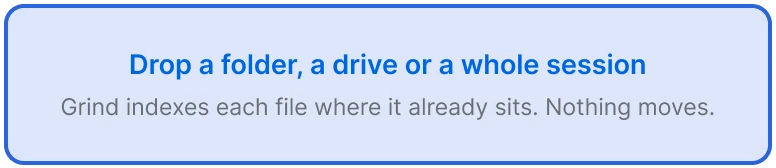
Point Grind at a beat, a folder or a whole drive. Your files stay where they are.
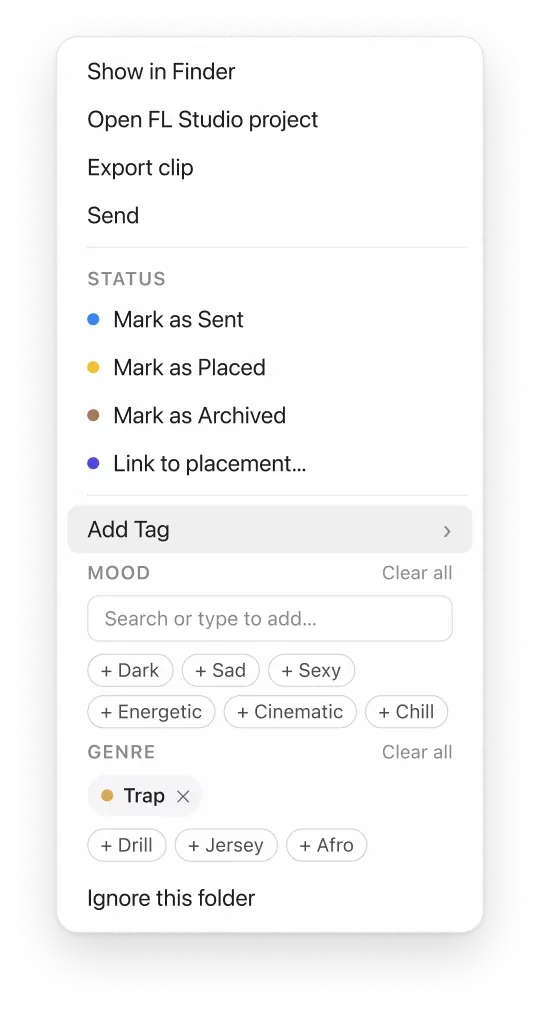
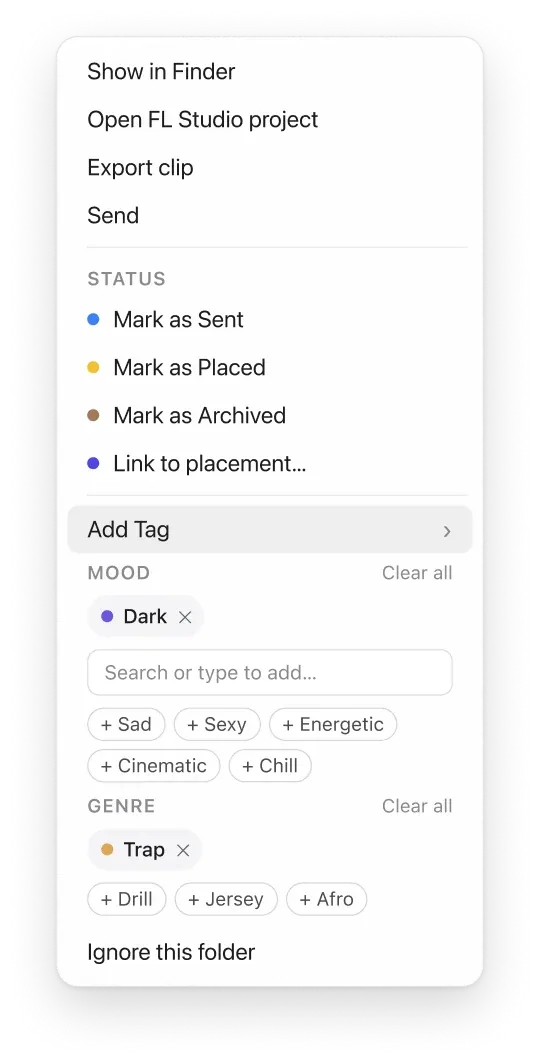
Grind reads the BPM and key from the audio. Add your own tags, and any beat is one search away.
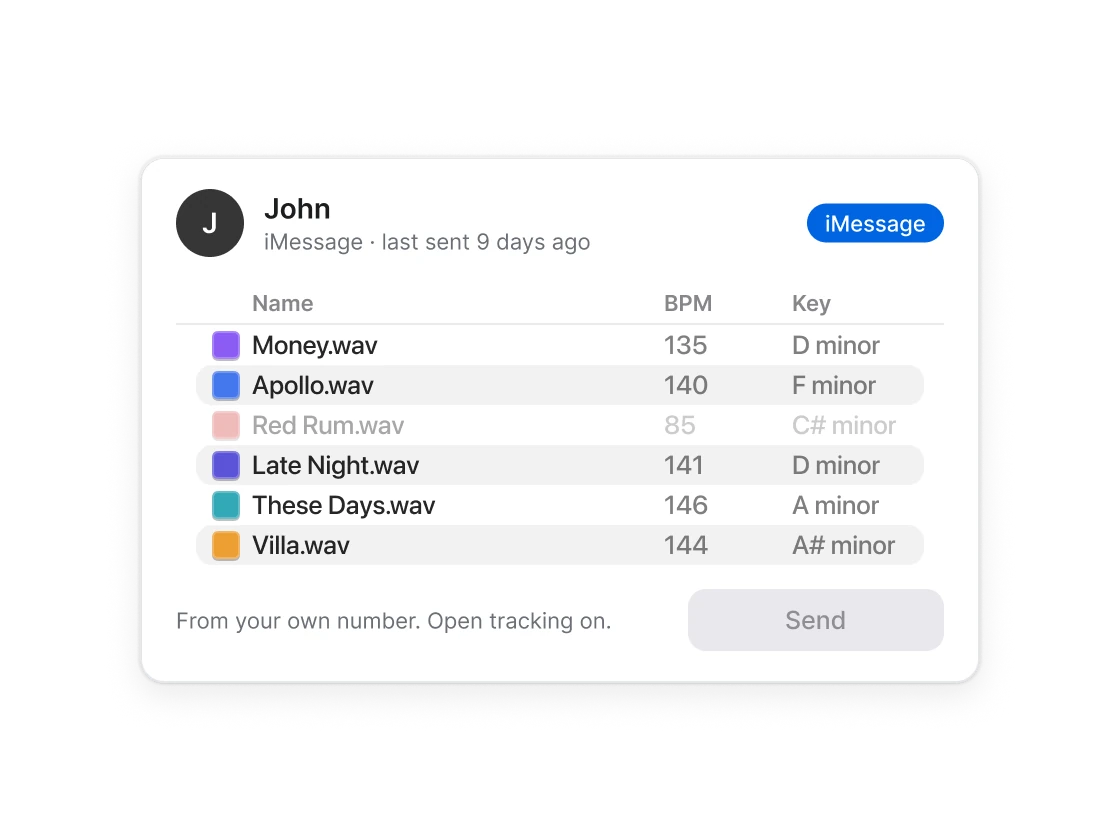
Pick the beats or loops, then the contacts. Each contact gets their own message, from your Gmail or iMessage.
See which packs were delivered, who opened them, and what each contact already has from you.
When the song drops, match it to the original beat. The contract and splits stay with it, and with Pristine, its streams.
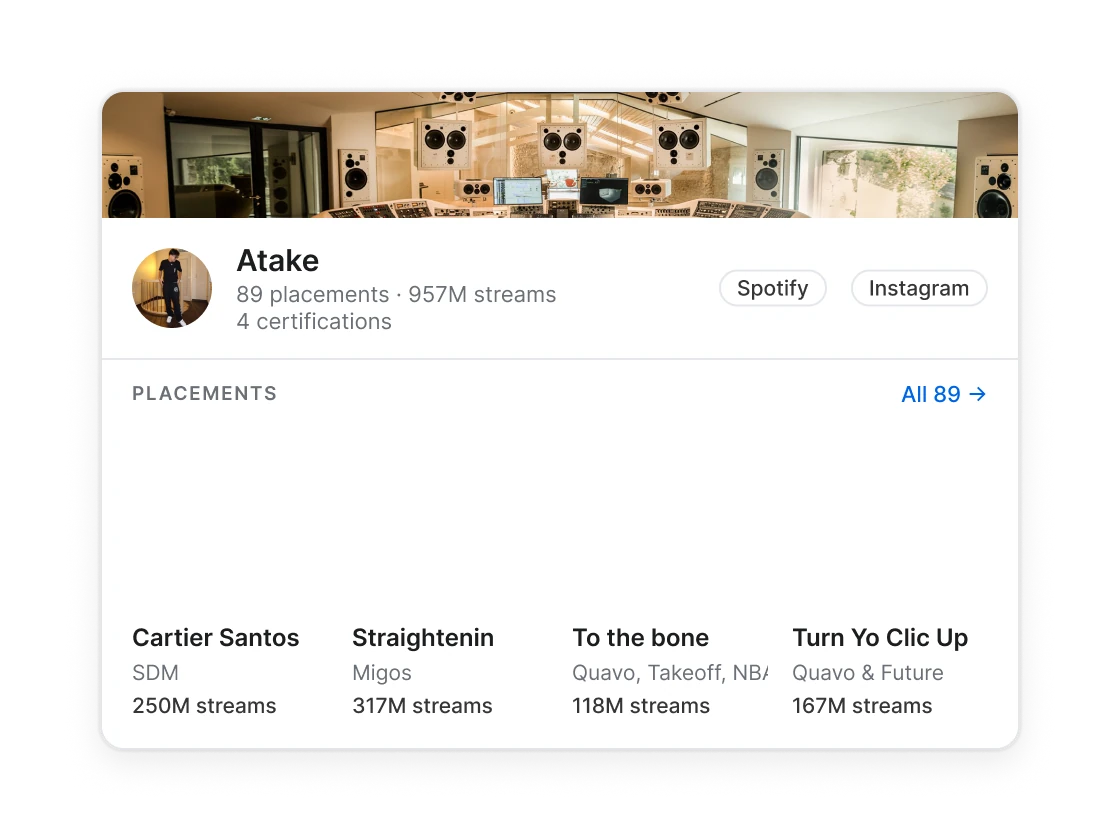
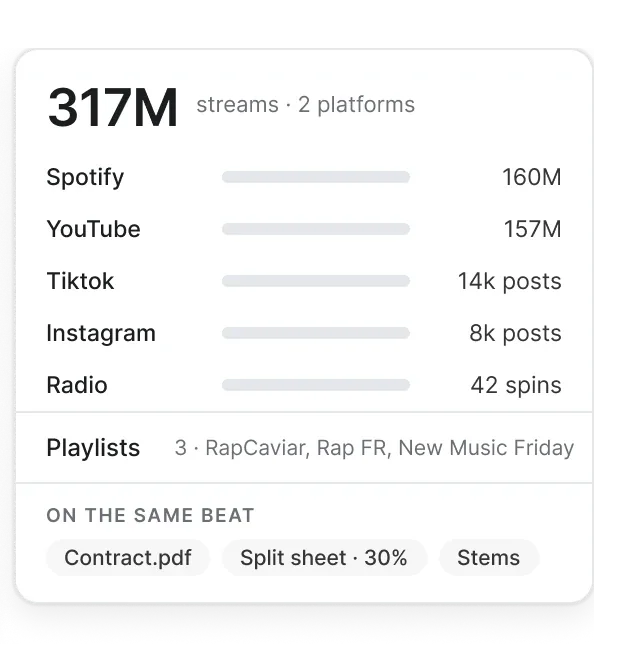
With Pristine, put your placements and their real numbers on one producer page, one link to drop in your bio.
One click turns a beat into a 1080 × 1920 video, audio included, for TikTok, Instagram and Shorts. Pick a theme once, and every clip you post looks like yours.
Producer · 146 BPM · A minor
Pro keeps your catalog in order and your packs going out. Pristine adds what happened after the send: your placements and their streams, the radio spins, the playlists that picked the record up, the certifications, and a page you can put in your bio, so your work speaks before you do.
Founding price, until 31 October.
For getting your catalog in order and your packs out the door.
$19.99€19.99per month$12.99€12.99per month-33%
Billed every month.
$155.88 billed yearly, you save $84€155.88 billed yearly, you save €84
For records already out: their streams and certifications on one public page, with a label mode.
$29.99€29.99per month$19.99€19.99per month-33%
Billed every month.
$239.88 billed yearly, you save $120€239.88 billed yearly, you save €120
Straight answers about the app, your files and your plan.
Grind is a macOS app for managing your beats and loops. It helps you find them, track who you sent them to, and connect each placement to its original file.
No. Your catalog stays on your Mac. Grind doesn’t upload your library to its own cloud, and it doesn’t use your music to train AI.
No. Grind indexes your files where they already are.
Grind asks for send-only permission: enough to send from your own address, nothing more. It cannot read, list or delete anything in your mailbox. A refused address is known from the sending server’s reply, at the moment of sending.
Any. Grind works on the audio files you export, whatever DAW made them. Kit Builder, which pulls samples from project files, reads FL Studio projects today. Other DAWs are on the way.
Not yet. Grind runs on Apple Silicon and Intel Macs, on macOS 12 or later. Windows and iOS versions are on the way.
You get 14 days of Grind on the plan you pick. You add your card when you sign up, and the first charge only comes once the 14 days are up. Cancel from your account before then and you pay nothing.
Yes, from your account, any time. Cancelling stops the next renewal, and you keep access until the end of the period you paid for.
Two producers, Lucas and Atake. Before opening, Grind was tested in private beta by Grammy-nominated producers with multiple SNEP Diamond and RIAA Platinum records.
Your catalog, your sends and your placements, in one app on your Mac.






 +
+